Injectable medicines, pre-travel consultations, and two new reports.
Record injectable medicines such as denosumab or B12 in a dedicated encounter, run a pre-travel health consultation where the patient fills in a checklist beforehand, and reconcile claims with two new reports.
Early release. These features are rolling out to sites progressively, so they may not be available in your pharmacy yet. To find out more or request access, speak to your Head Office.
Injectable medicines
Record a medicine you've administered by injection – such as denosumab or B12 – in a dedicated encounter.
Includes documentation templates for injectables such as denosumab, to support continuity of care and provide to your patient or GP.
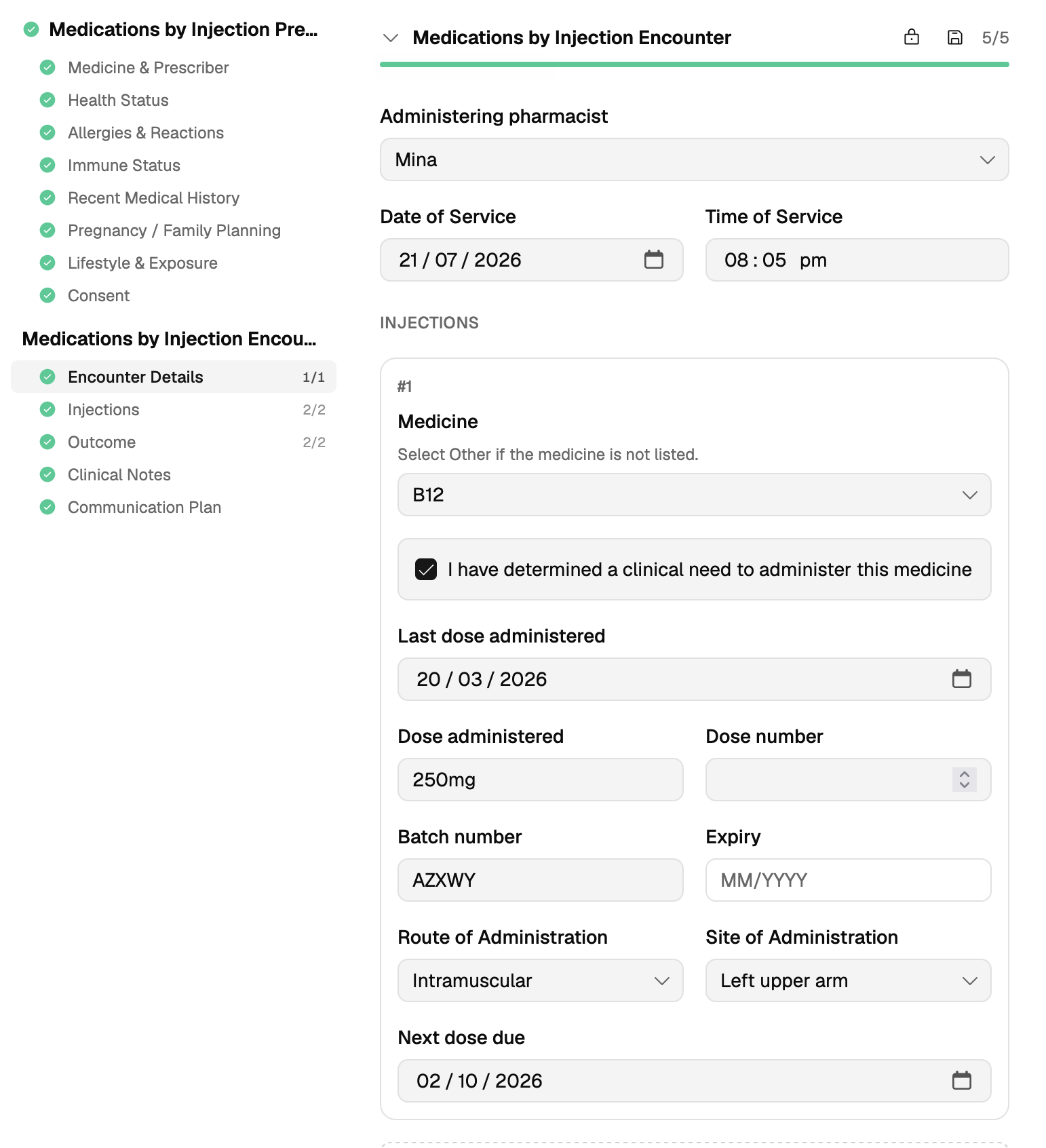
Learn how to record a medicine by injection.
Pre-travel health consultations
Your patient completes a checklist beforehand and their answers land in the encounter, ready for you to build their plan for vaccinations, traveller's kit, and advice.
Common travel vaccines and routine vaccines are listed to help you review what the traveller needs and mark each as 'Up to date' or 'Recommend'.
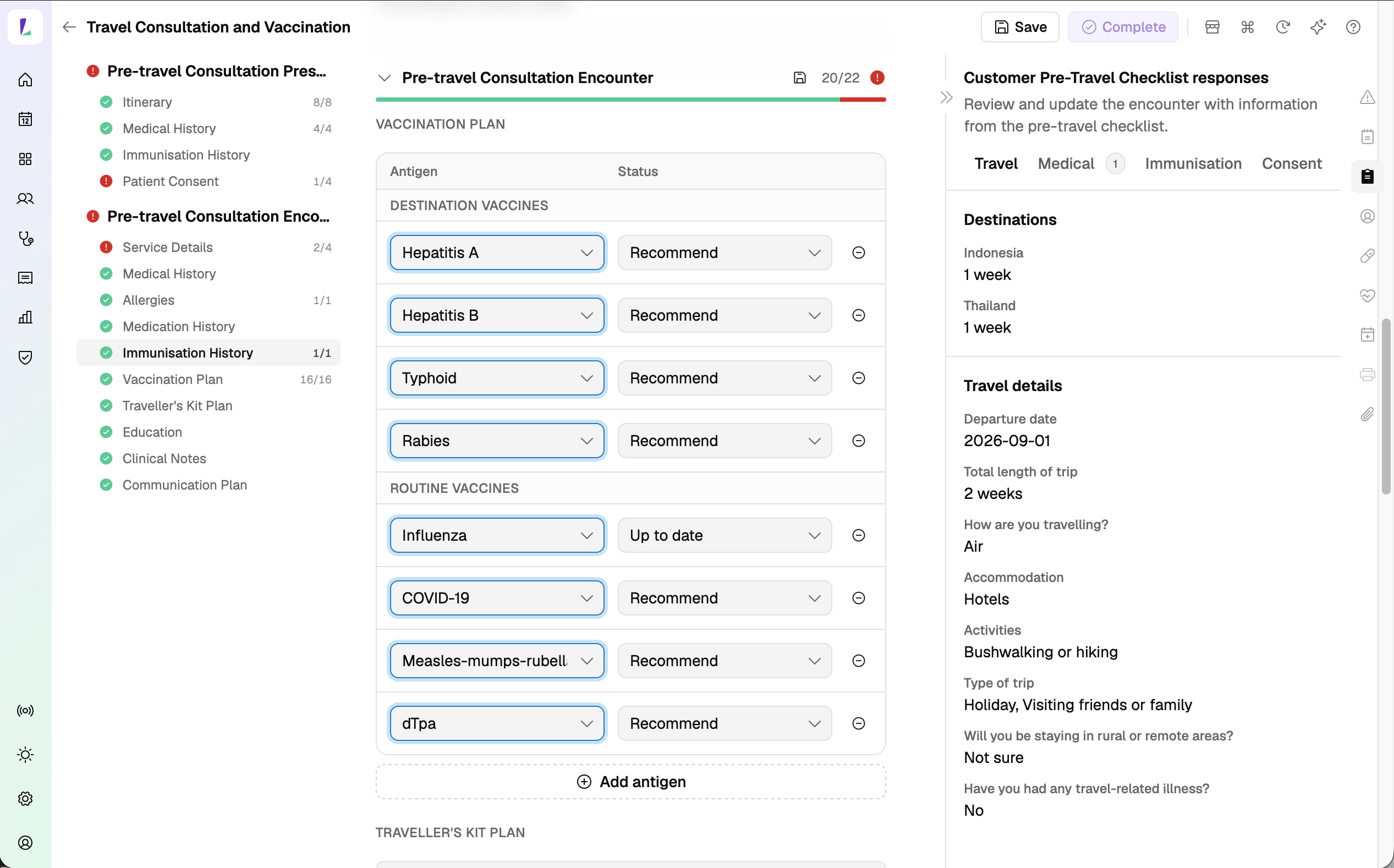
Once completed, you can print out the Service Summary.
Learn how to record a pre-travel health consultation.
Vaccine Detail report
Per-vaccination detail with claim status, to help you investigate and reconcile claim errors surfaced on the Claims screen.
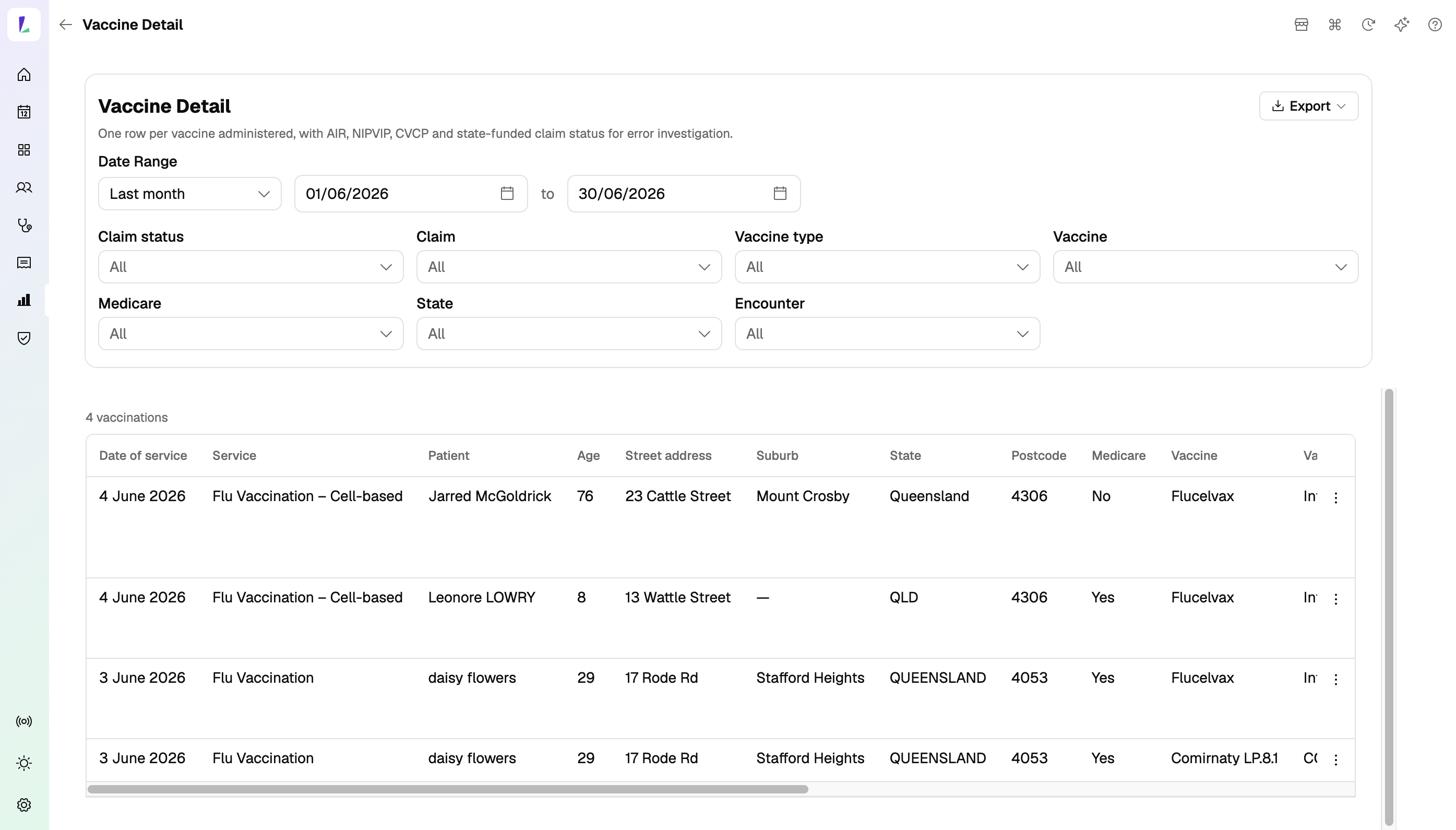
Learn how to use the Vaccine Detail report.
Patient Experience Surveys report
See all patient experience (PREMS) responses for a service in one place, and export the full set.
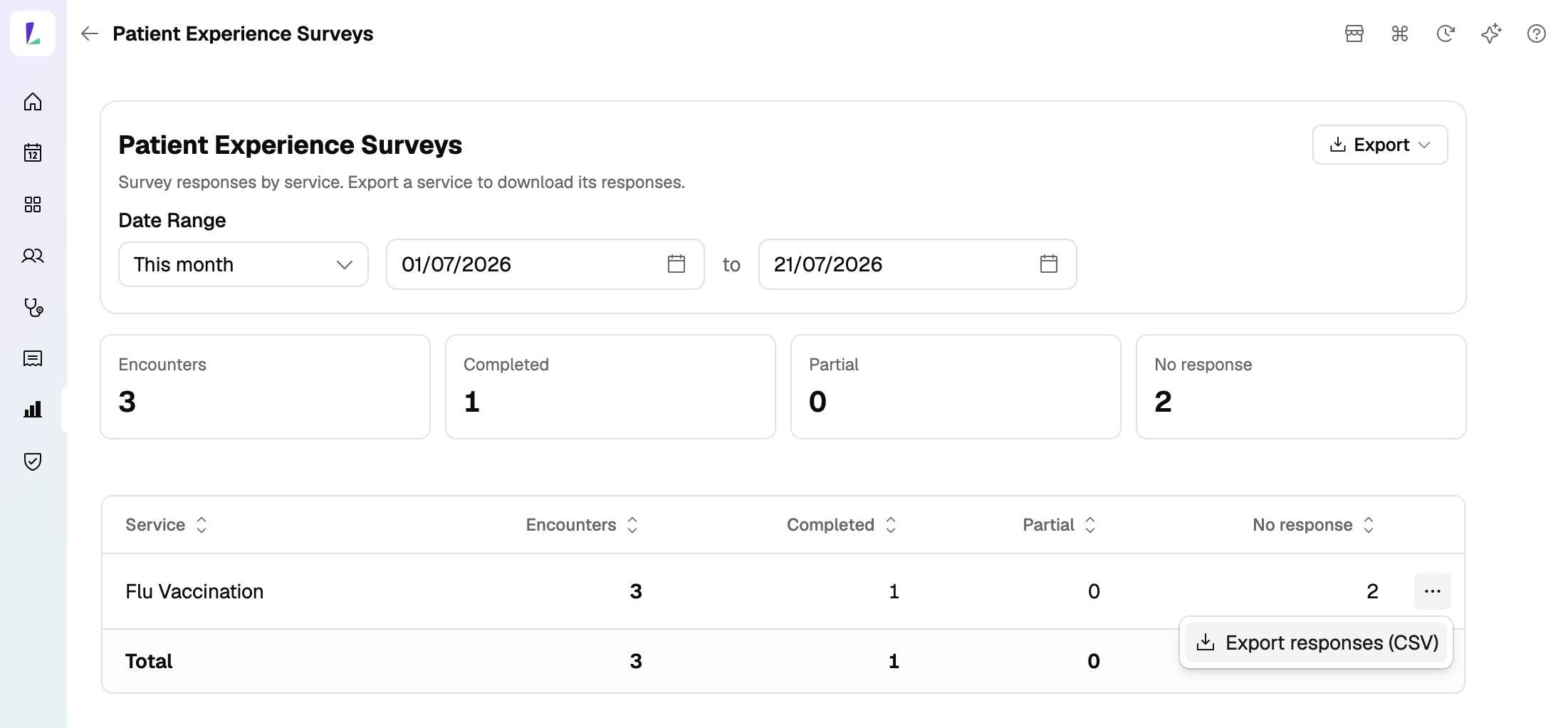
Learn how to use the Patient Experience Surveys report.
Request staged supply signatures digitally
For patients on staged supply, request a signature digitally at each collection – the patient signs on their own phone or an in-store device.
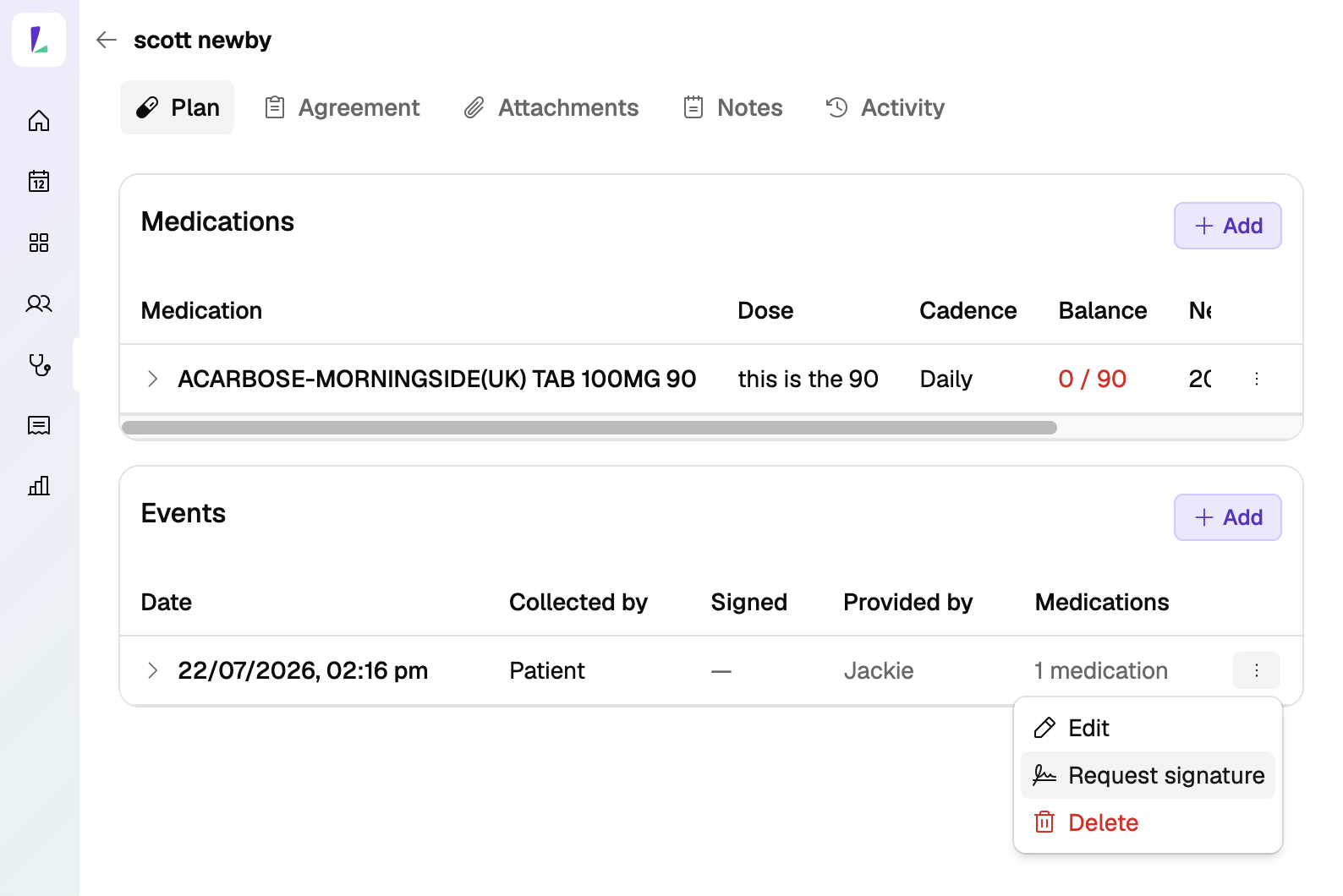
Learn how to record staged supply.
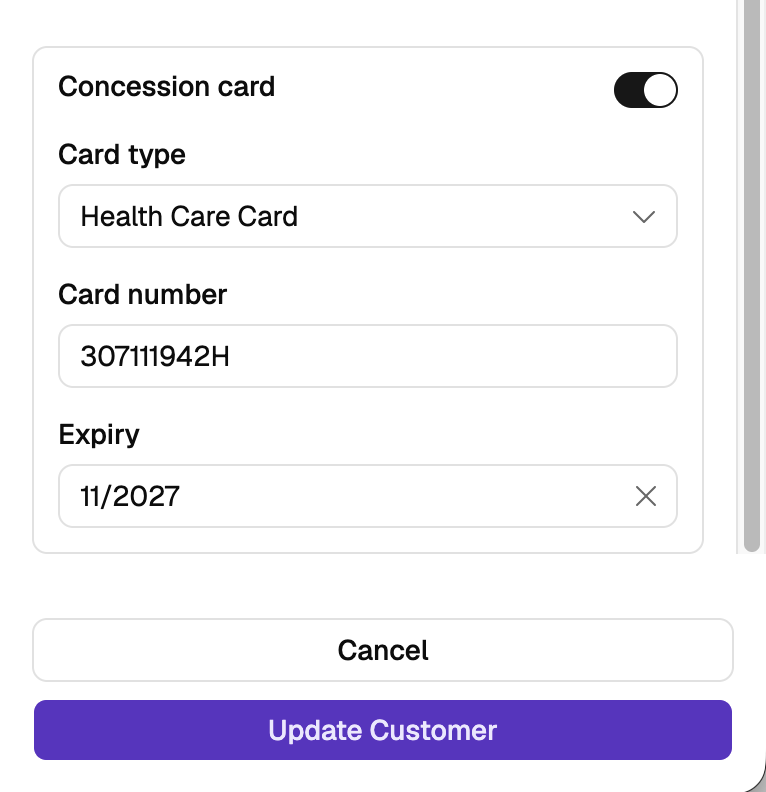
Concession cards
Record a patient's concession card details so their entitlement is on file.
Checklists, pre-screeners and templates prompt for information commonly recorded for a service, but may not cover every patient or clinical scenario. Additional information can be recorded in the encounter notes or added as an attachment.