Pregnancy status, patient profile, and platform status.
Failed AIR submissions now show more detail. Claims card always visible. Pre-populated pregnancy status in vaccination encounters. One-tap patient profile from the encounter. New platform status indicator.
Highlighted from the vaccination pilot
Failed AIR submissions now show more detail. Error messages from AIR are now more informative, helping you understand what needs to be corrected and resubmit. This includes fixes that previously caused submissions to fail — for example, entering Booster for a COVID-19 dose.
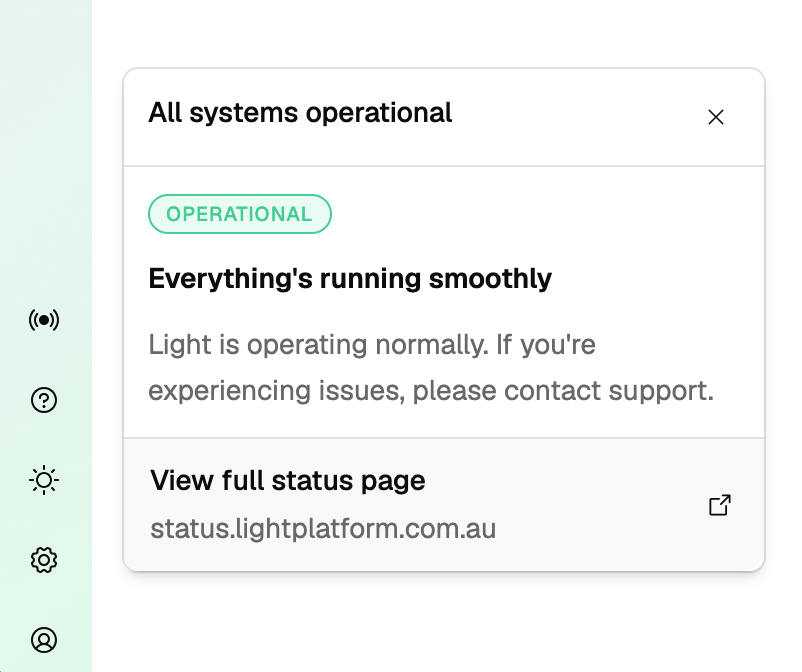
Claims card now always visible on vaccination services. The claims card previously only appeared once a claim had been created. It now shows from the start so you always know where to find your AIR and PPA claim status.
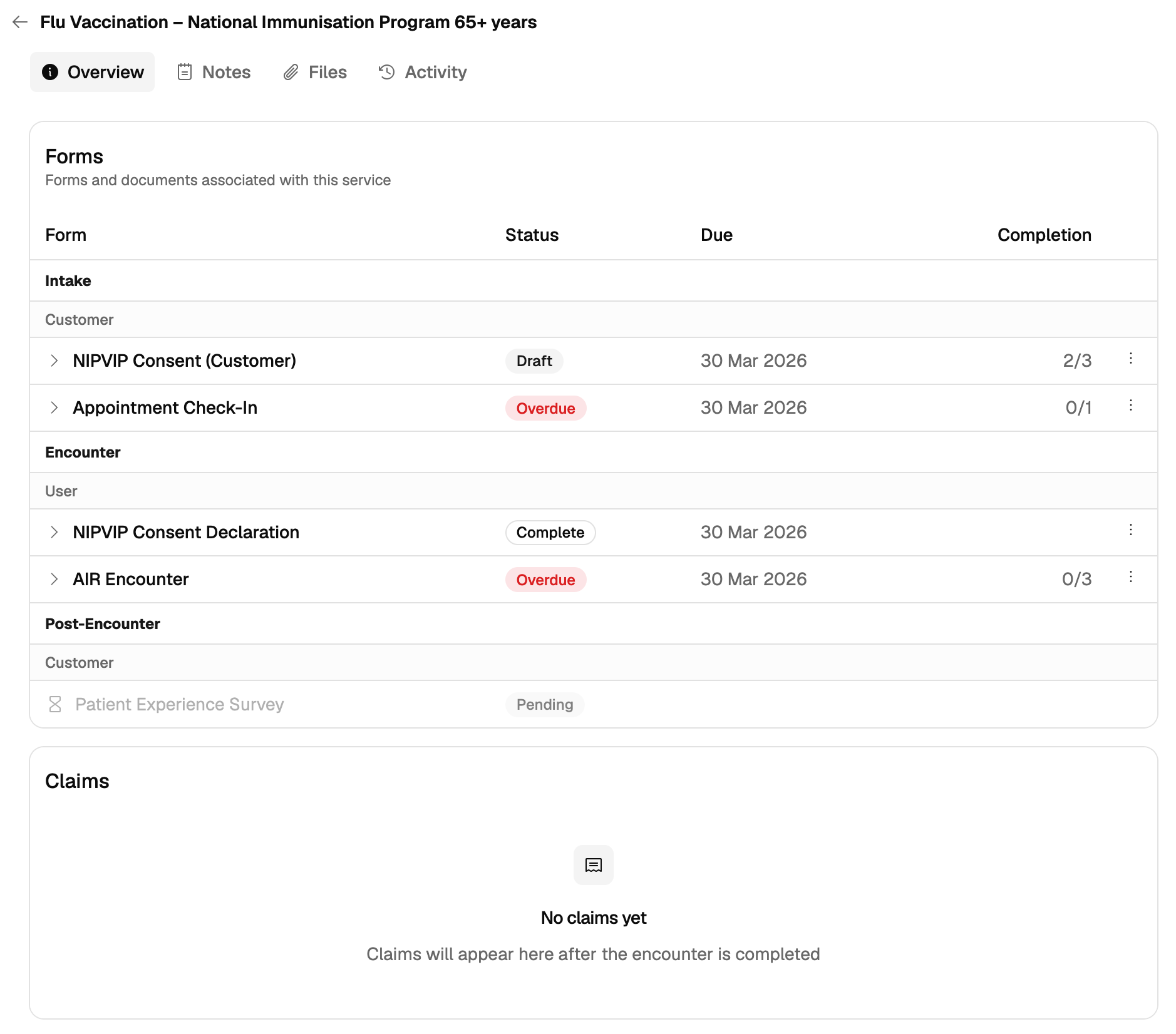
Pregnancy status, now pre-populated
A fix for encounters where gender had not been documented. The Pregnancy Status question — "Pregnant at the time of vaccination" — now appears in vaccination encounters for relevant patients. If the patient completed the prescreener beforehand, the answer pre-populates so you can confirm and move on.
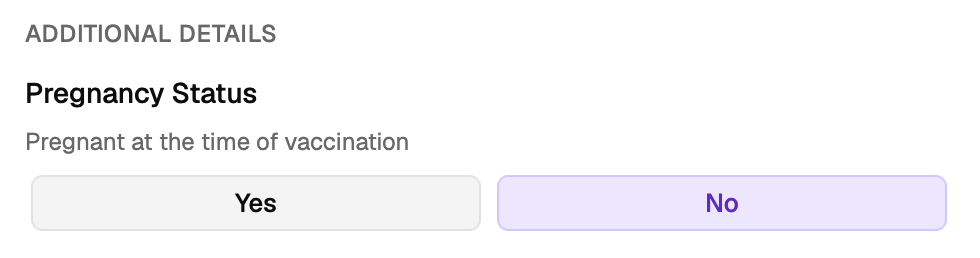
Patient profile, one tap away
Tap the patient profile icon within the encounter to open the patient profile as a side panel — keeping the encounter form in view while you check details.
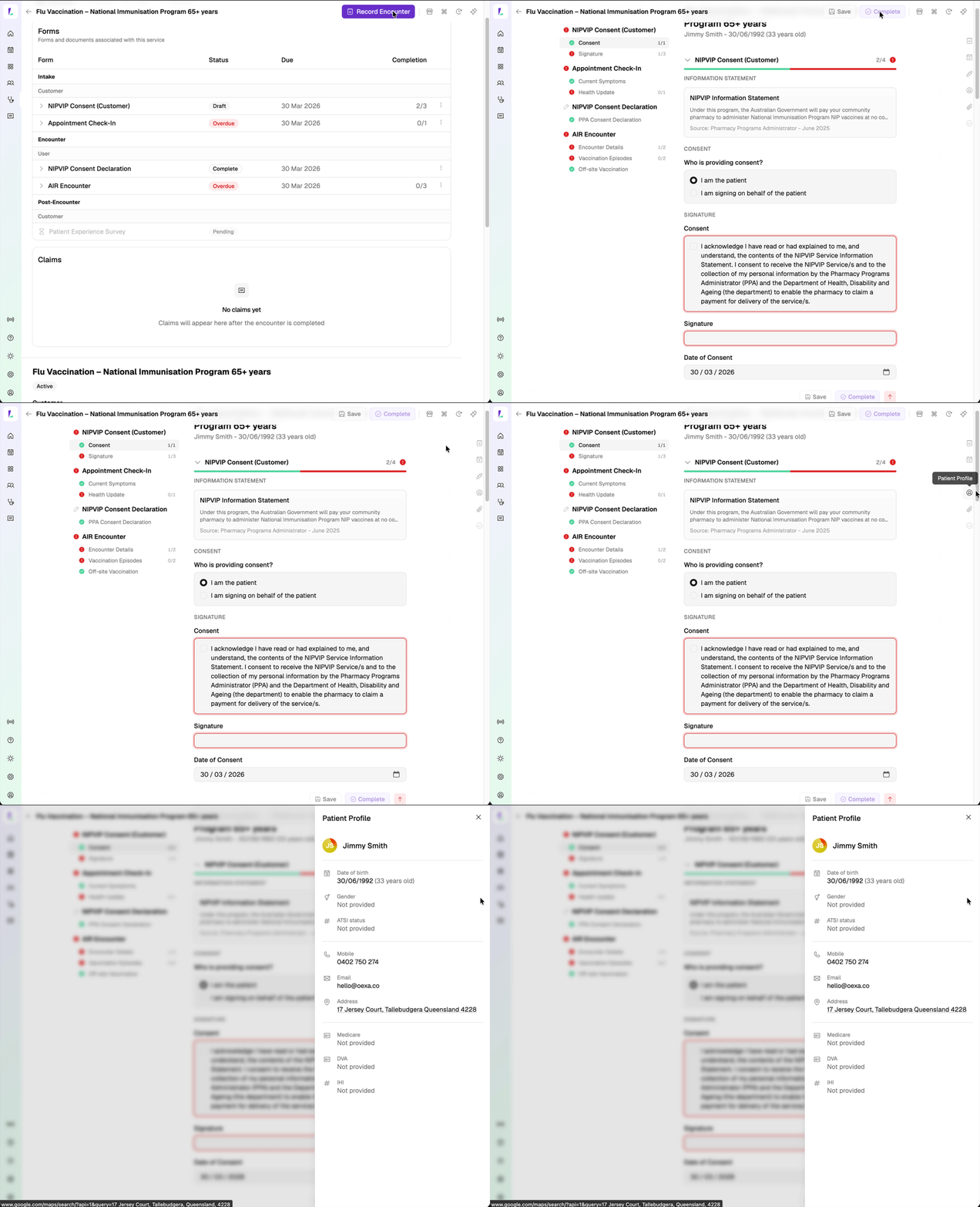
Platform status, at a glance
Check how Light is running without leaving the platform. The status dot in the sidebar shows live system health — tap it for the latest summary, or visit status.lightplatform.com.au for incident history and component-level detail.